
Best AI language learning apps in 2026
Duolingo keeps you opening the app. It doesn't always keep you learning. Here's how Speak, Pimsleur, and MindCards approach vocabulary differently.
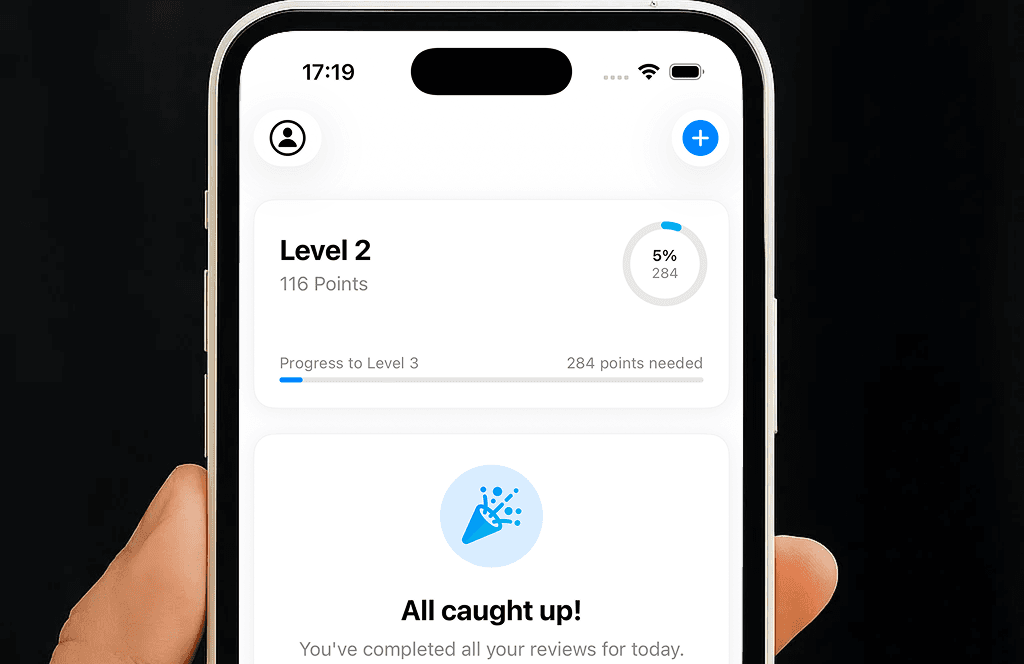
MindCards turns photos, prompts, and topics into smart flashcards that schedule themselves. Open the app, start studying. No account required.
Three things every modern learner needs — without the bloat that makes other apps feel like a part-time job.
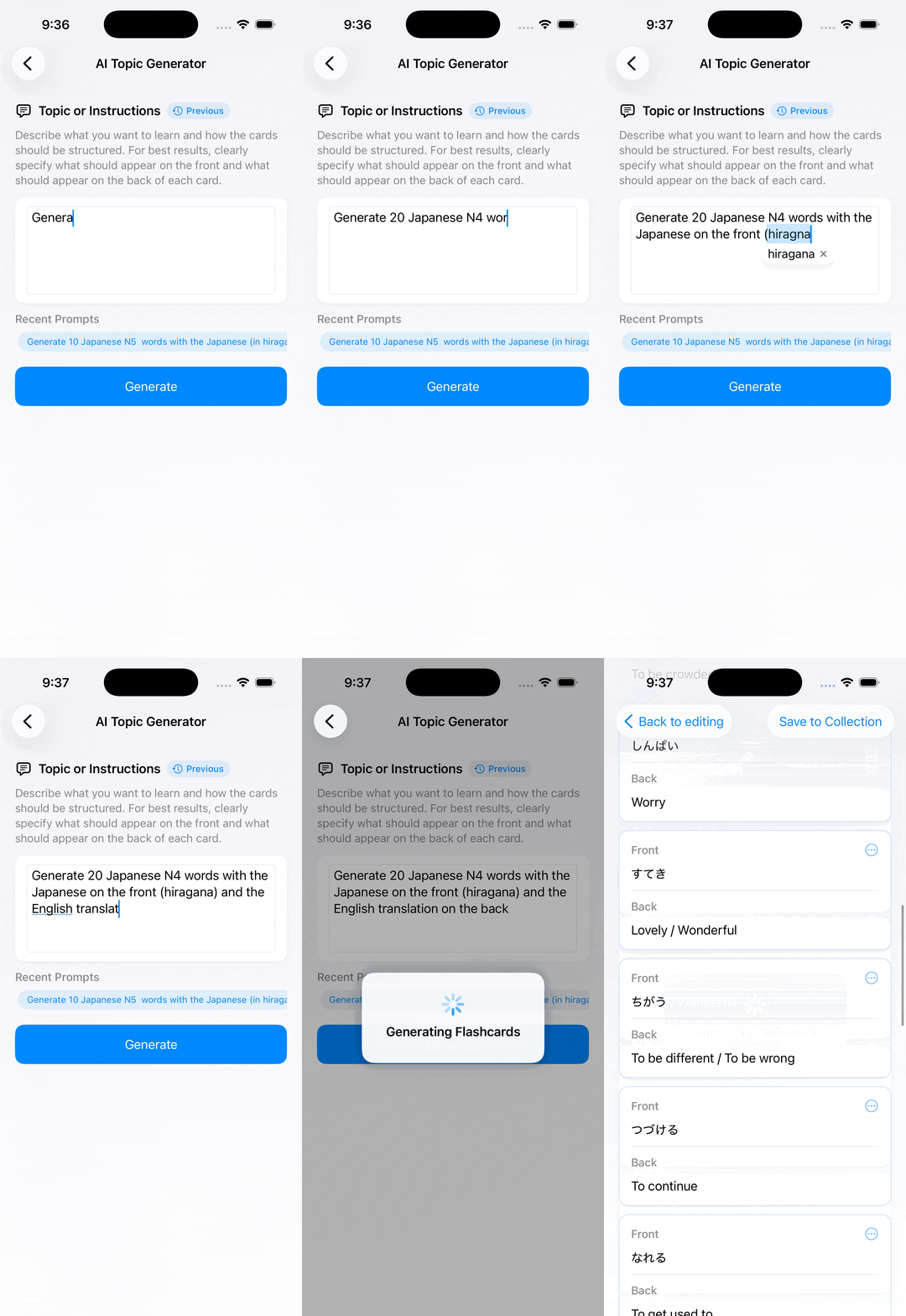
Snap a photo of your notes, paste a prompt, or describe a topic. The AI builds a deck for you with definitions, examples, and context.
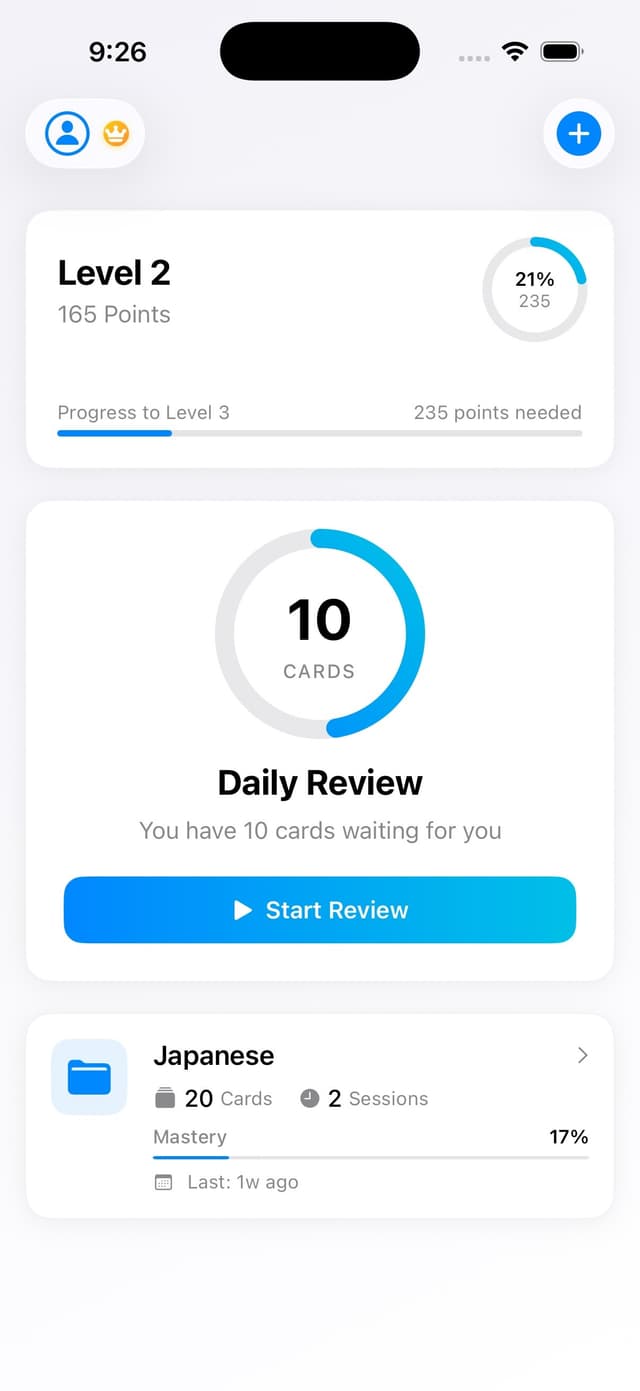
Each card is scheduled based on how well you know it. Less time on what you've already learned, more on what you're about to forget.
Tap once to generate audio for every card. Hear pronunciation in your target language and review hands-free during a walk or commute.
No account required — just download and start learning.
Generate, review, and master vocabulary in one clean iOS app. Here's what every session looks like.
Take a picture of a textbook page or scribble a prompt. The AI extracts the key concepts and turns them into clean, contextual flashcards. No manual setup.
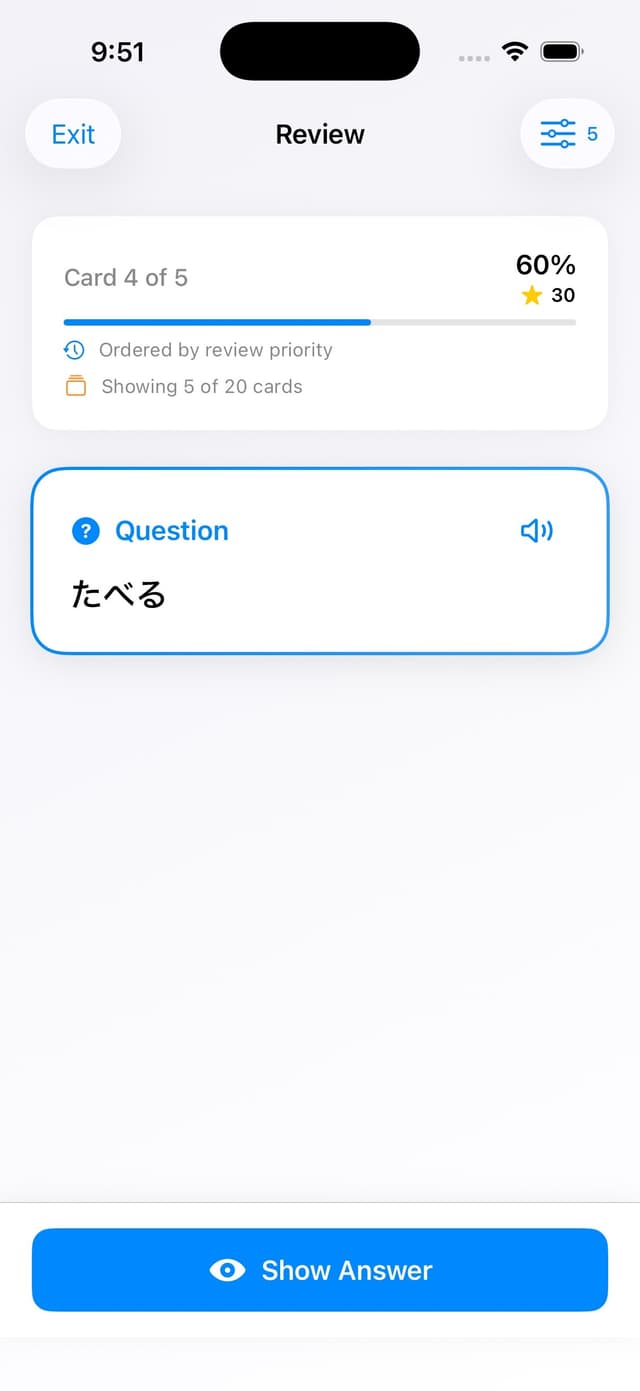
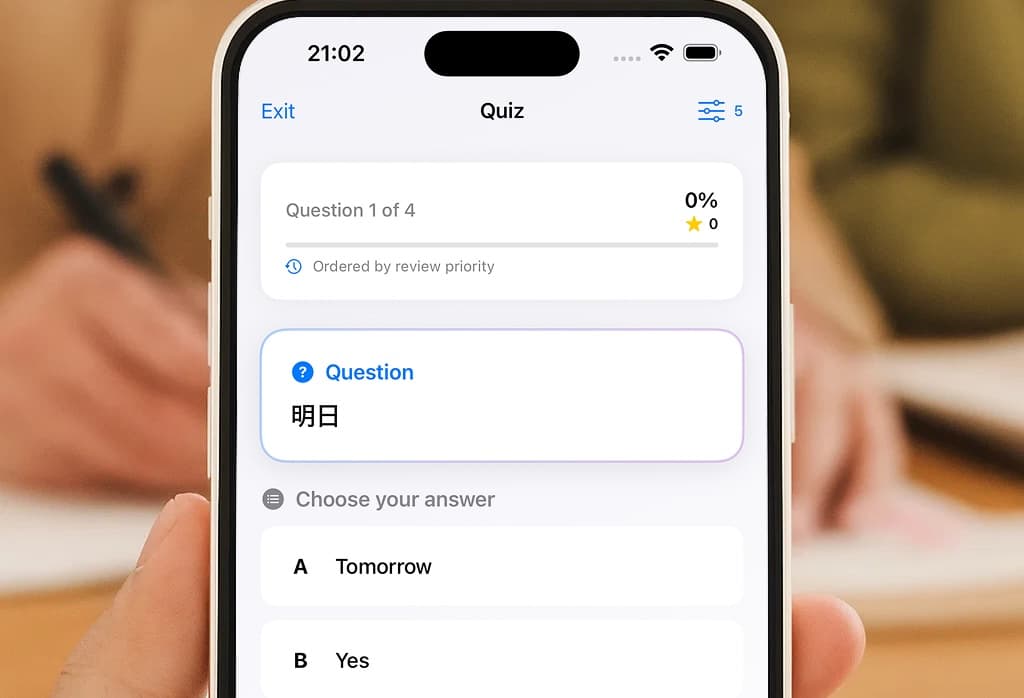
The scheduler tracks every card you swipe and surfaces only what you're at risk of forgetting. Short sessions, real retention.
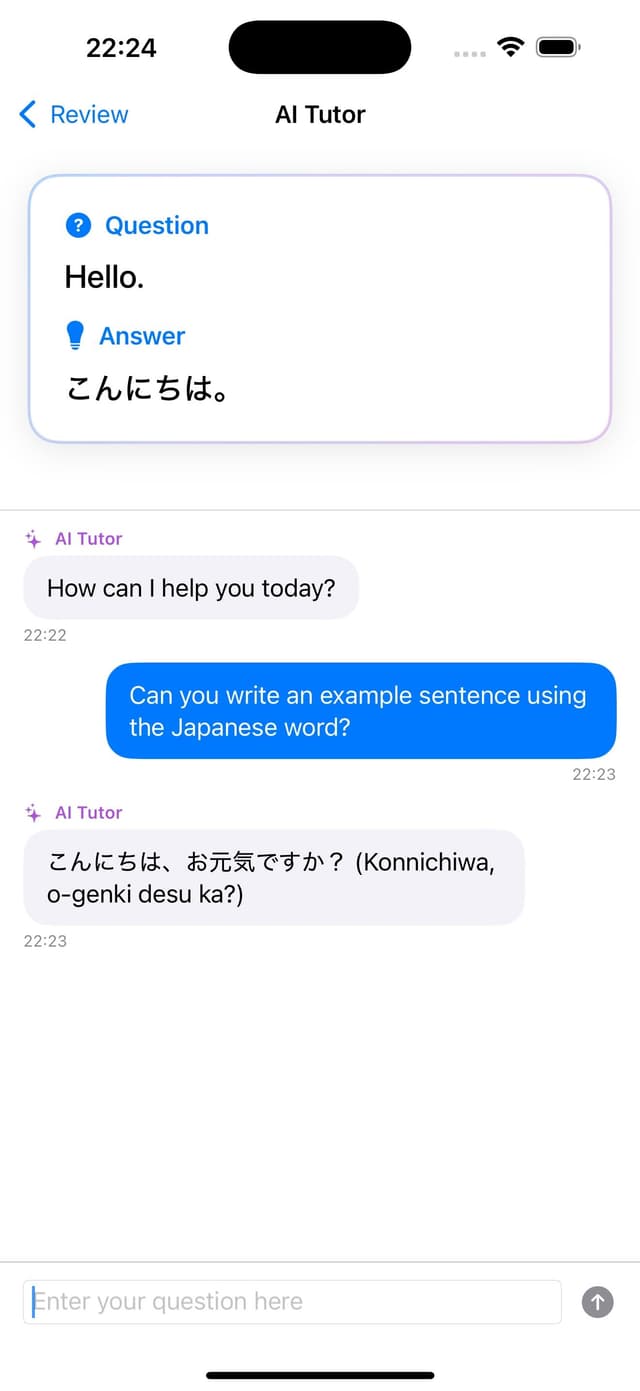
Tap any card to ask the AI tutor for a deeper explanation, more examples, or a different way of phrasing it. Help is one tap away.
A quick honest look at how MindCards compares to the most common alternatives.
| Feature | MindCards | Anki | Quizlet | Duolingo Max |
|---|---|---|---|---|
| Free to start | ✓ | — | ✓ | — |
| No account required | ✓ | — | — | — |
| AI generates flashcards natively | ✓ | — | Paid only | — |
| Spaced repetition | ✓ | ✓ | ✓ | Limited |
| Audio for any deck | Paid only | — | — | — |
| Modern iOS interface | ✓ | — | ✓ | ✓ |
| Pre-made deck library | — | Massive | Massive | Built-in courses |
| Price to access on iPhone | Free | $24.99 | $35.99/year | $30/month |
Compared April 2026. Pricing reflects publicly listed iOS-only access.
Yes. Download and start studying without paying anything. Free accounts include 5 AI generations per month; a paid pack unlocks more if you need it.
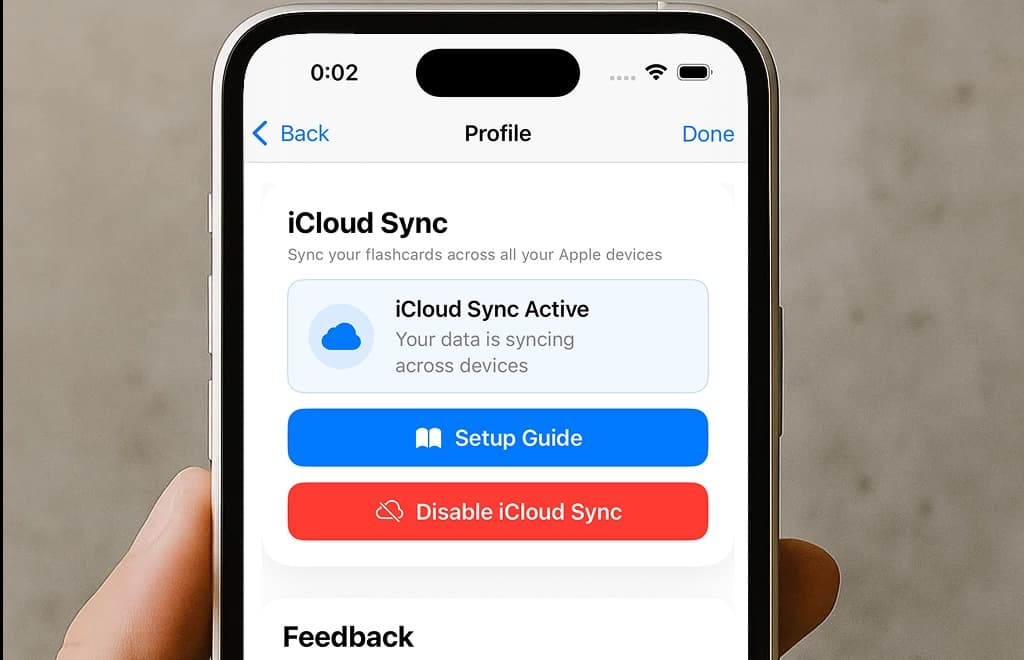
No. Open the app and start creating cards immediately, including AI-generated ones. iCloud sync is optional for users who want to back up their decks across devices.
You give the AI a topic, a prompt, or a photo of source material. It extracts the key concepts, writes question-and-answer pairs, and adds a short example or context for each card.
Reviewing existing decks works offline. AI generation and audio synthesis require a connection because they run in the cloud.
Right now MindCards is iOS-only.
Direct .apkg import isn't supported. You can recreate any Anki deck in MindCards by pasting the source text into the AI generator and letting it rebuild the cards in our format.
Short reads on spaced repetition, active recall, and what actually works for long-term retention.
Duolingo keeps you opening the app. It doesn't always keep you learning. Here's how Speak, Pimsleur, and MindCards approach vocabulary differently.
The most effective evidence-based method for retaining vocabulary long-term — without the Anki setup headache.
Why testing yourself is more effective than re-reading your notes — and how to make it a daily habit.
MindCards is live on the App Store. Free to download, free to try, no account required.
